
iOS shortcut
AI Calories
Track calories. No app. No subscription.
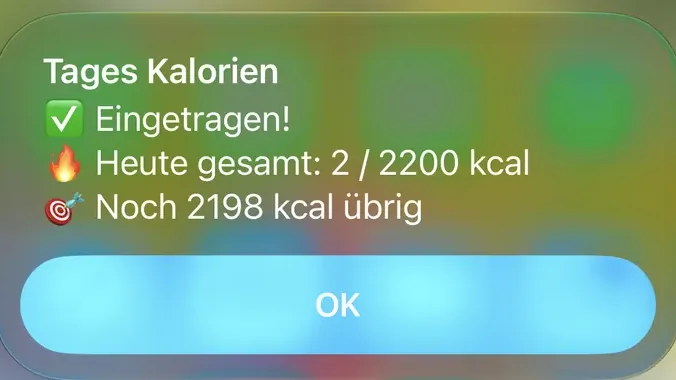
AI Calories is not an App Store product with a subscription — it is a shortcut for the Shortcuts app on iPhone or iPad. Photo, text, barcode, or label, then Apple Health. Free. No account needed.
- Camera
- Photo Library
- Text
- Barcode
- Label
- Health
What are Apple Shortcuts?
Shortcuts is a free Apple app that comes preinstalled on iPhone and iPad. A shortcut is a sequence of actions that run one after another — here: read a photo or text and log the values in Apple Health.
So you don’t download an app from the App Store. You add the shortcut to your Shortcuts app with one tap and run it from there.
On video
Clips in action
How it feels
From the Shortcuts menu to logged — no App Store download.
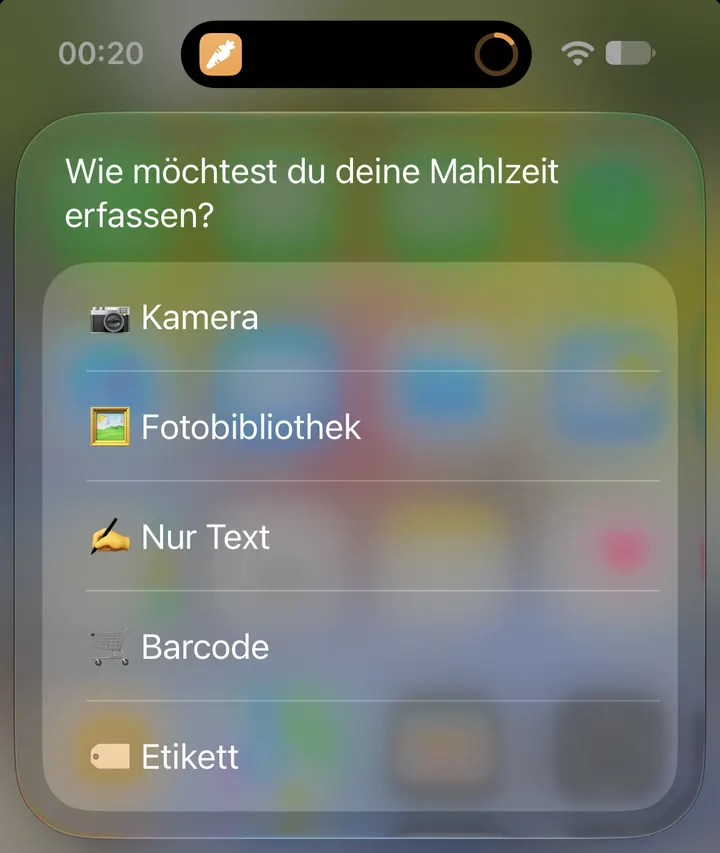
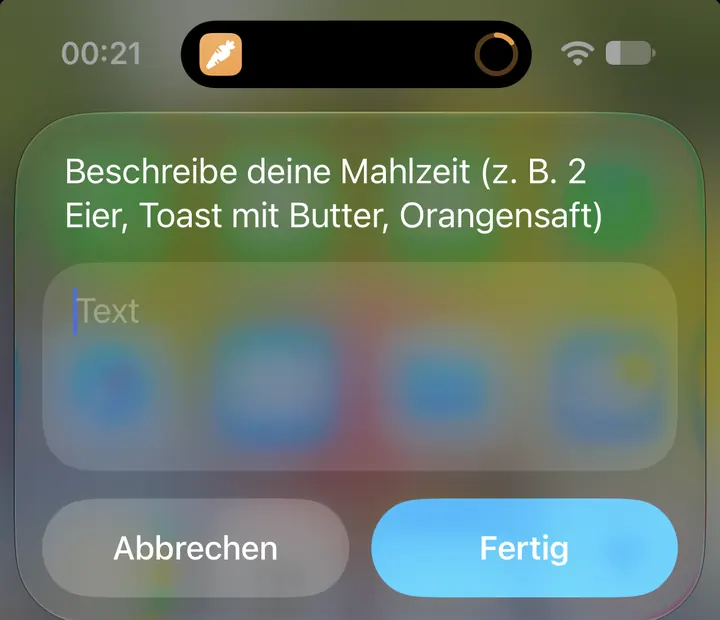
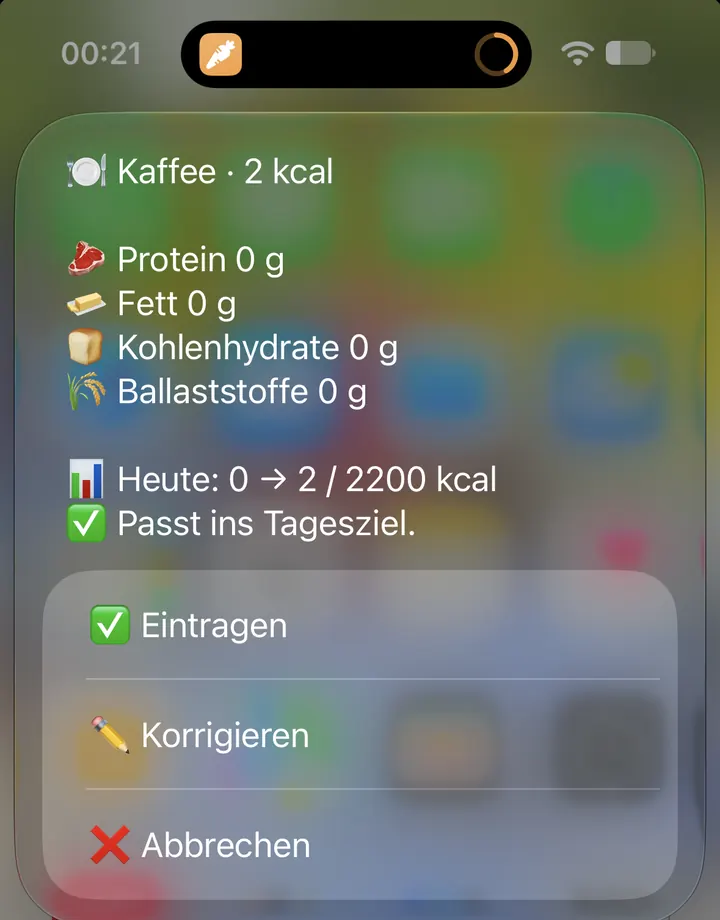
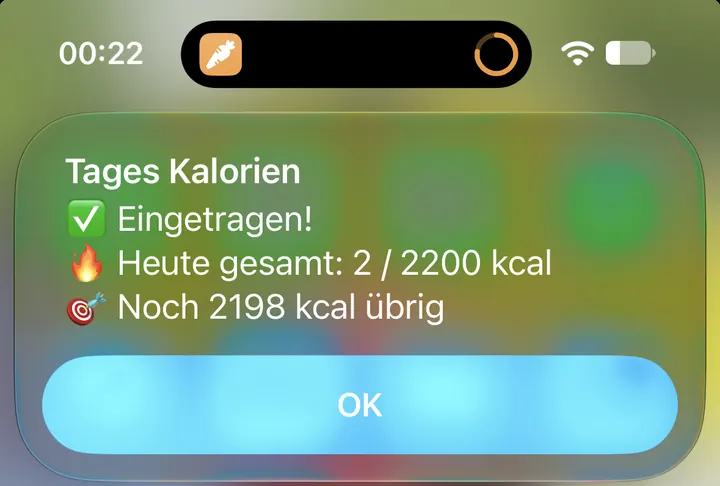
Screens show the German version.
Five ways in
AI where you need it. Exact data for packaged food.
- CameraSnap a plate — restaurant or home.AI
- Photo LibraryLog later from photos you already took.AI
- TextDescribe the meal — fast and discreet.AI
- BarcodeOpen Food Facts × your ounces — no guessing.exact
- LabelOn-device text recognition, Apple Intelligence evaluates the values, then portion math.exact
Why this instead of an app
- Free. No subscription funnel.
- Private. No tracker account — data goes to Apple Health.
- Hybrid. AI for plates; barcode and label when exact matters.
- Light. One shortcut — not another mega-app.
At a glance
Versus typical calorie apps (Yazio, MyFitnessPal, Oviva & co.).
| AI Calories | Typical apps | |
|---|---|---|
| Price | Free | Often freemium / subscription |
| Account | No | Usually yes |
| Apple Health | Core path | Often optional |
| Install | One iOS shortcut | App Store |
Orientation only. Not medical advice.
A bit more under the hood
Current version: v4 (November 2026). Apple Intelligence for photo/text. Open Food Facts for barcodes. Text recognition + Apple Intelligence + math for labels. Review with a traffic light, optional corrections, then five Health samples (calories, protein, fat, carbs, fiber). Almost 400 shortcut actions — deliberately hybrid so the LLM doesn’t do the arithmetic. When you swap a meat in a correction, the shortcut does that math itself too.
Try it free
US edition, Calories and ounces only · iPhone or iPad · Shortcuts app.
Get the US shortcut with the button in the bar at the top.
Guidance only — not nutrition or medical advice. Barcode and label are more precise for packaged food.
Links
FAQ
More answers coming.
What’s new in v4?
Corrections work again: in v3 the shortcut closed silently after “Correct”. Now you can correct up to ten times.
Swapping meat: for “pork instead of beef”, Apple Intelligence only estimates the amount; the shortcut calculates the new values from fixed values per 100 g.
Photos are scaled down before analysis, and portions on the plate are no longer underestimated as much.
All values are rounded to whole numbers before they go to Apple Health. Zero-calorie drinks can be logged.
A clear message instead of a silent exit when Apple Intelligence returns nothing, the barcode is invalid, or you have used up your corrections.
The US edition now converts ounces the same way regardless of your device’s number format.
Known issue: if Apple Intelligence is busy, iOS shows its own error message. Just try again later – or use the barcode.
Why does the shortcut ask for Apple Health access so often on first run?
On first run you have to allow Apple Health access several times — about five. iOS asks separately for each value (calories, protein, fat, carbs, fiber).
Just tap “Allow” each time. After that, the shortcut won’t ask again.
Do I need Apple Intelligence?
For photo, text and label, yes: those paths use Apple Intelligence. For the label, text recognition reads the text on your device, and Apple Intelligence then evaluates the values. Only the barcode works without AI, via Open Food Facts.
Are my photos uploaded?
Your photos are not sent to me or to third parties. Apple Intelligence processes them on your device or in Apple’s Private Cloud Compute.
Does the barcode work without AI?
Yes. The shortcut looks up the barcode on Open Food Facts, with no AI involved.
Which iPhone or iPad do I need for photo, text and label?
Photo, text and label need an iPhone or iPad with Apple Intelligence: Apple Intelligence estimates calories from a photo or description, and for the label it evaluates the values after text recognition. Without Apple Intelligence only the barcode works — the shortcut looks it up on Open Food Facts. A free calorie tracker shortcut for iPhone and iPad.
How accurate is the photo estimate?
It is an estimate — portion size is the biggest source of error. For barcode and label, the values come from the manufacturer (via Open Food Facts or the label itself). You can check and correct everything before you log macros to Apple Health, without an app.
What daily goal does the shortcut use?
By default 2,200 Calories per day. The goal is currently fixed.
Does it cost anything?
No, AI Calories (US) is free. It runs on iPhone and iPad.
iOS shortcut · No account · No subscription · Data in Apple Health